Highlights from Salesforce TDX 2026: A Hands-On Look at the Future of AI for Builders
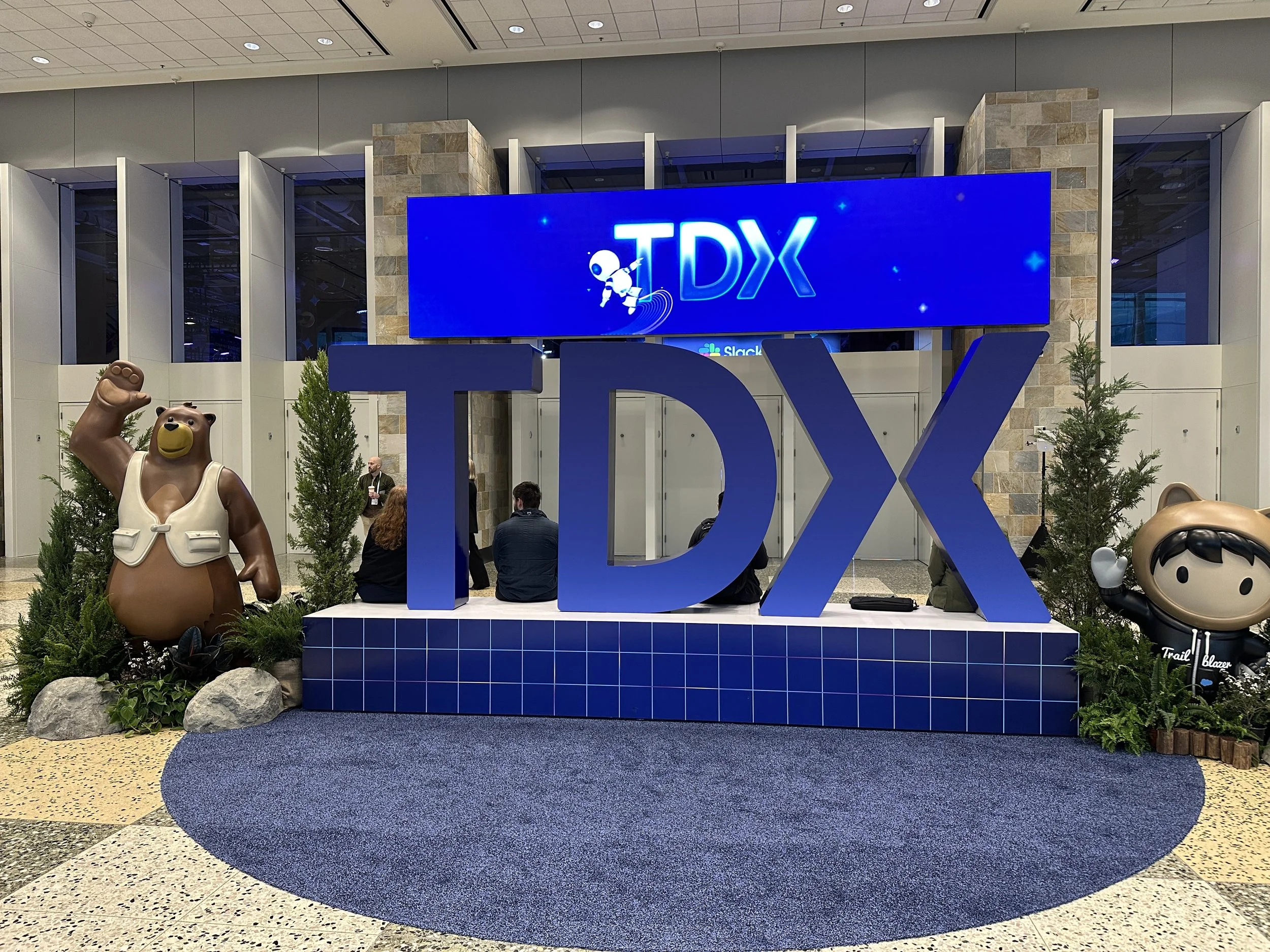
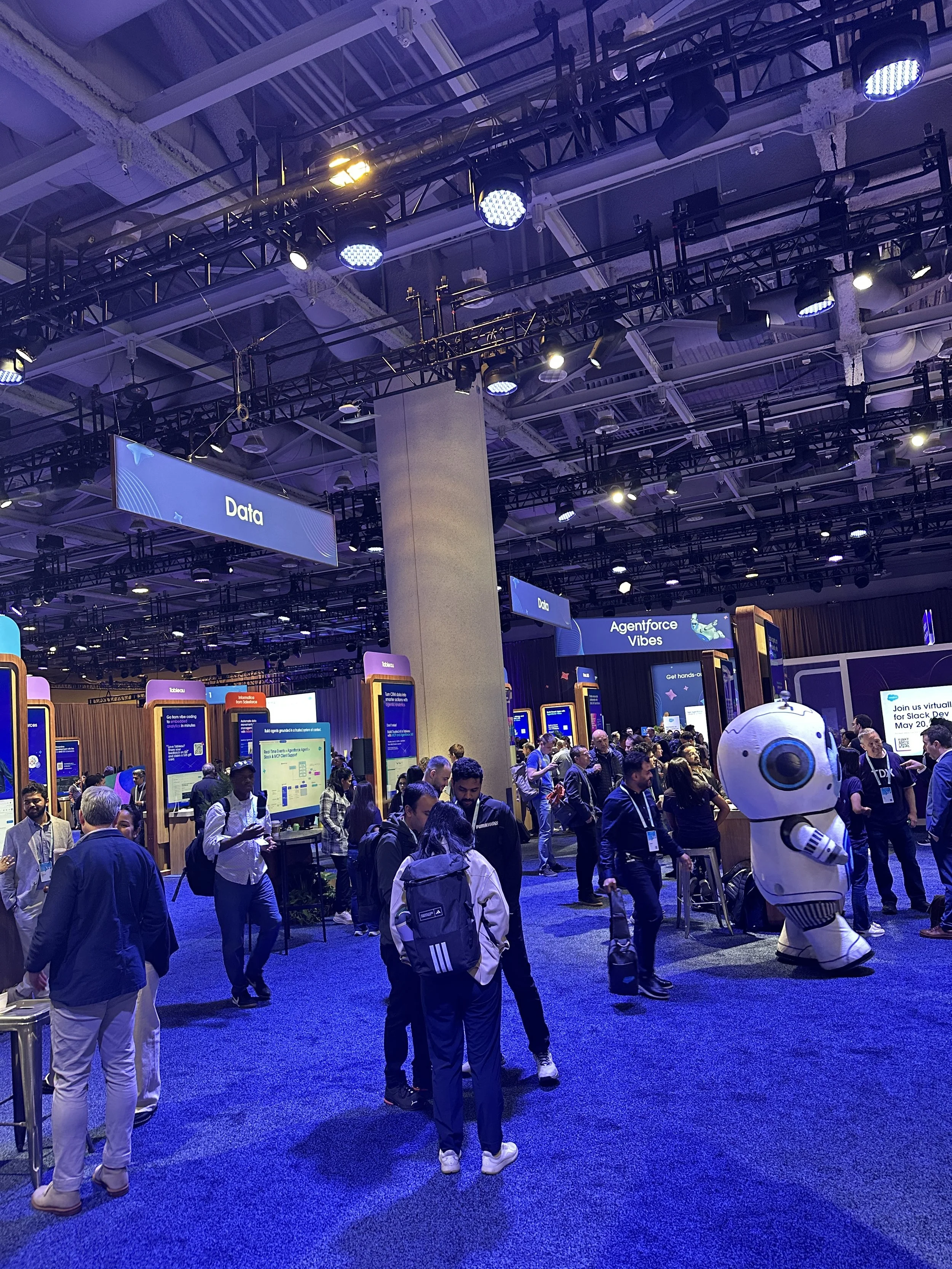
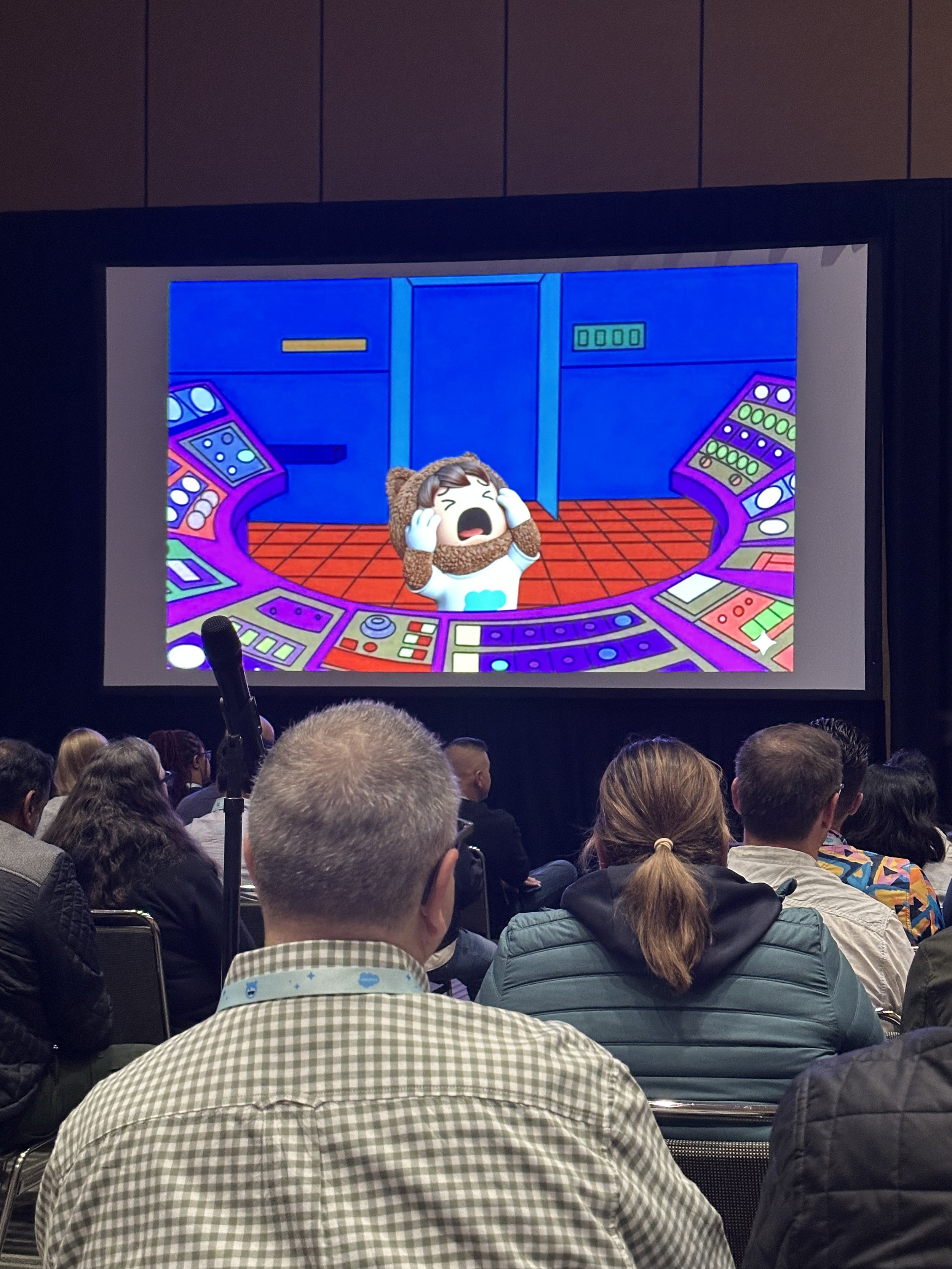
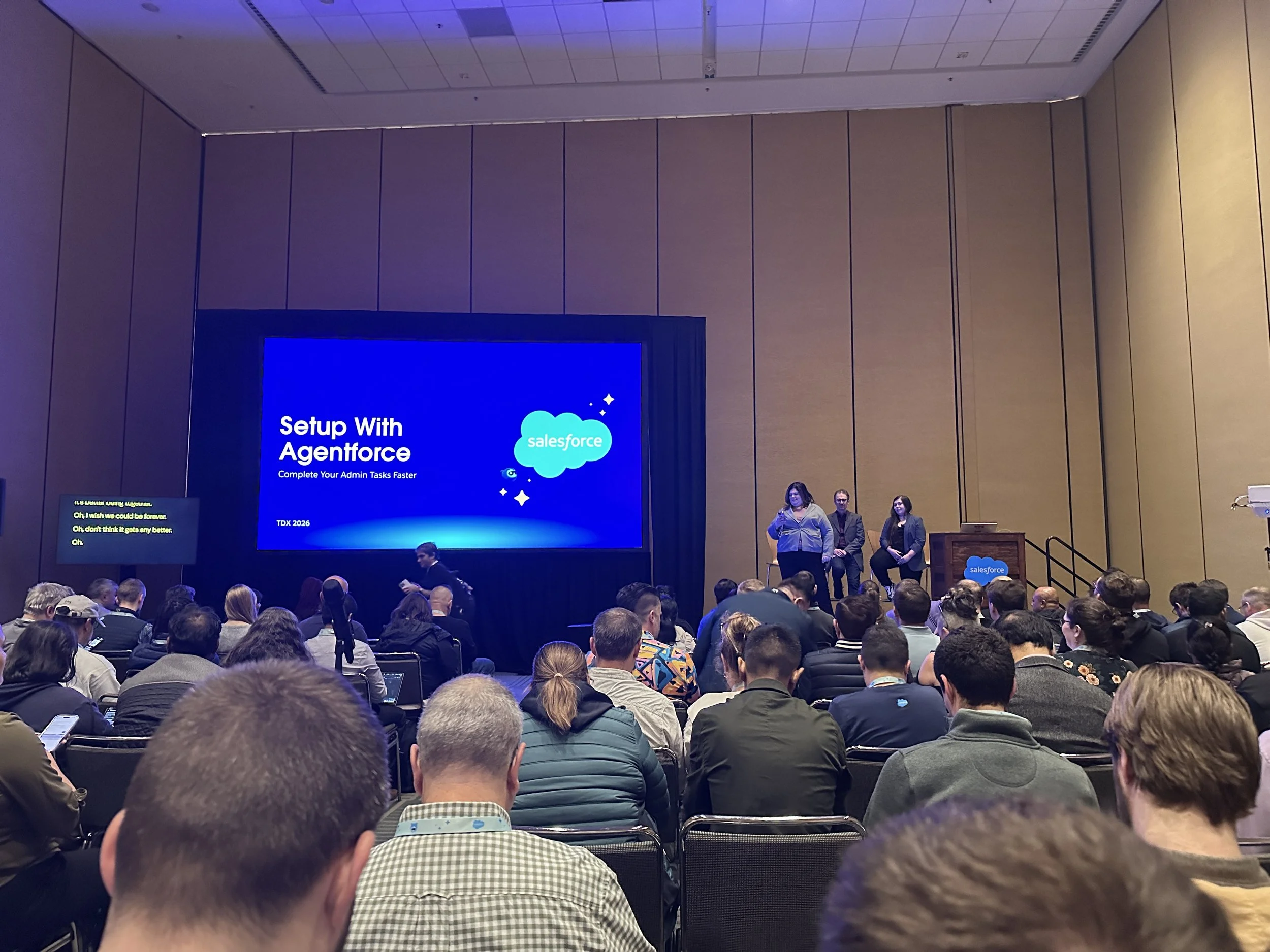
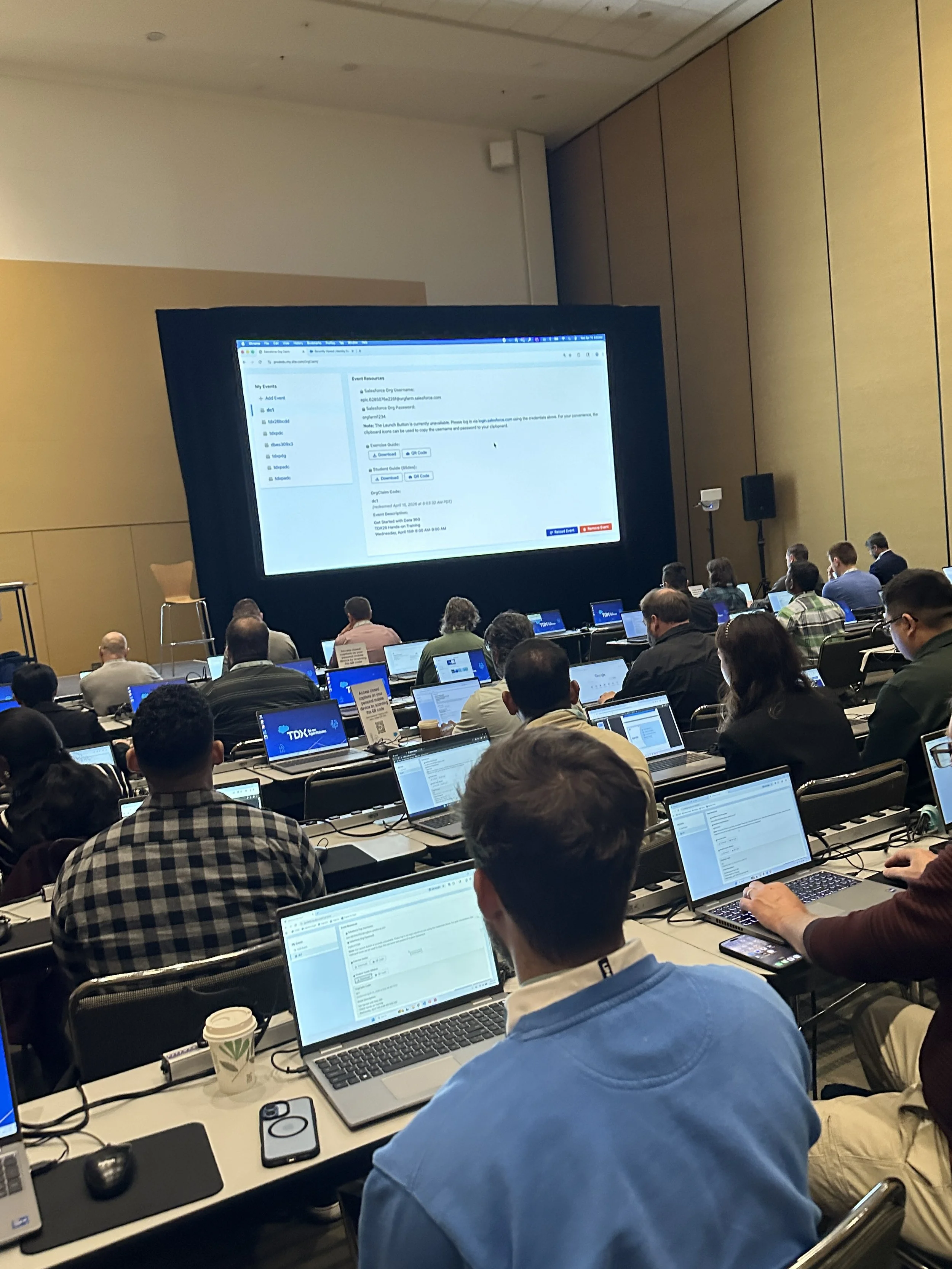
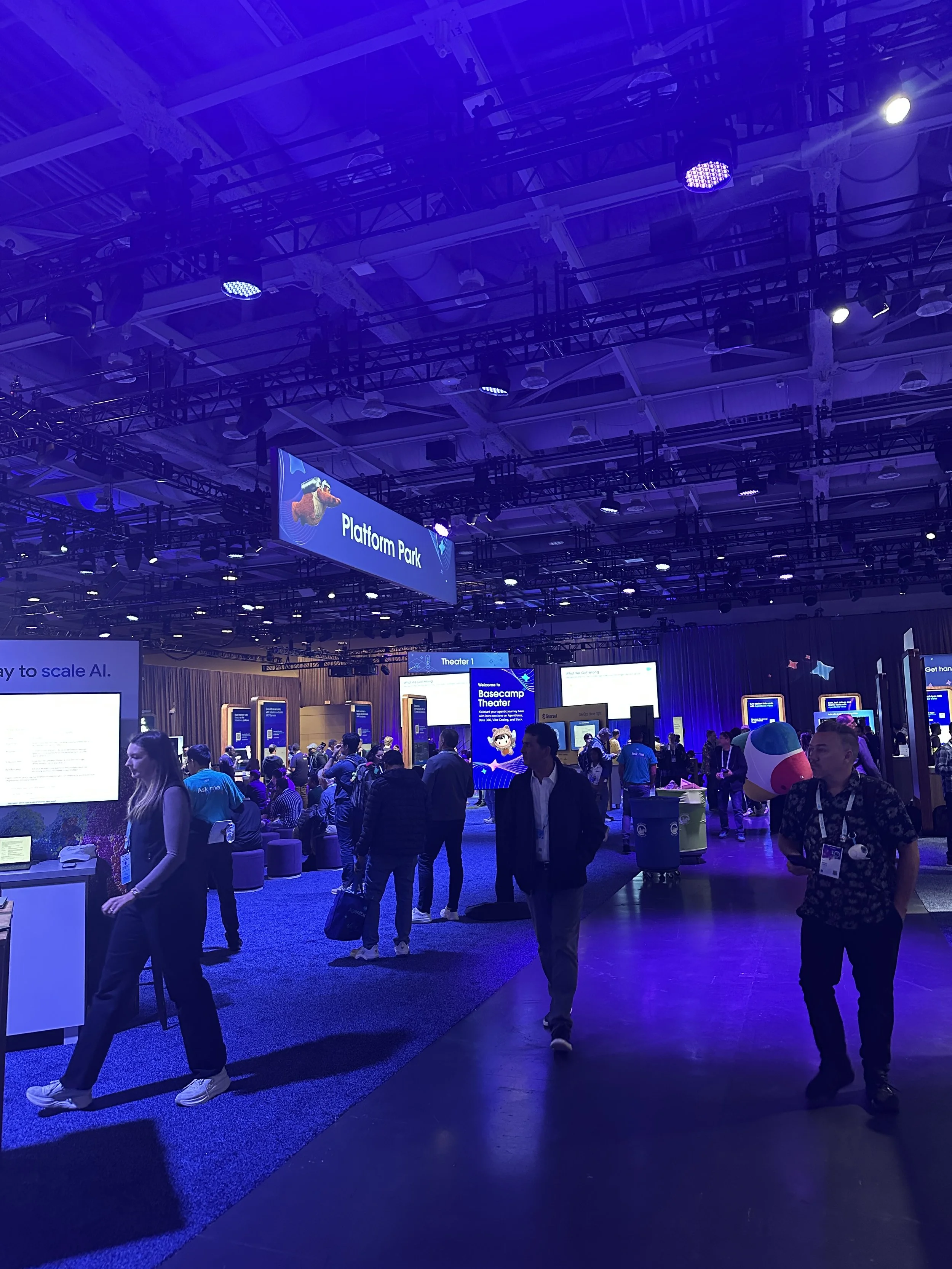
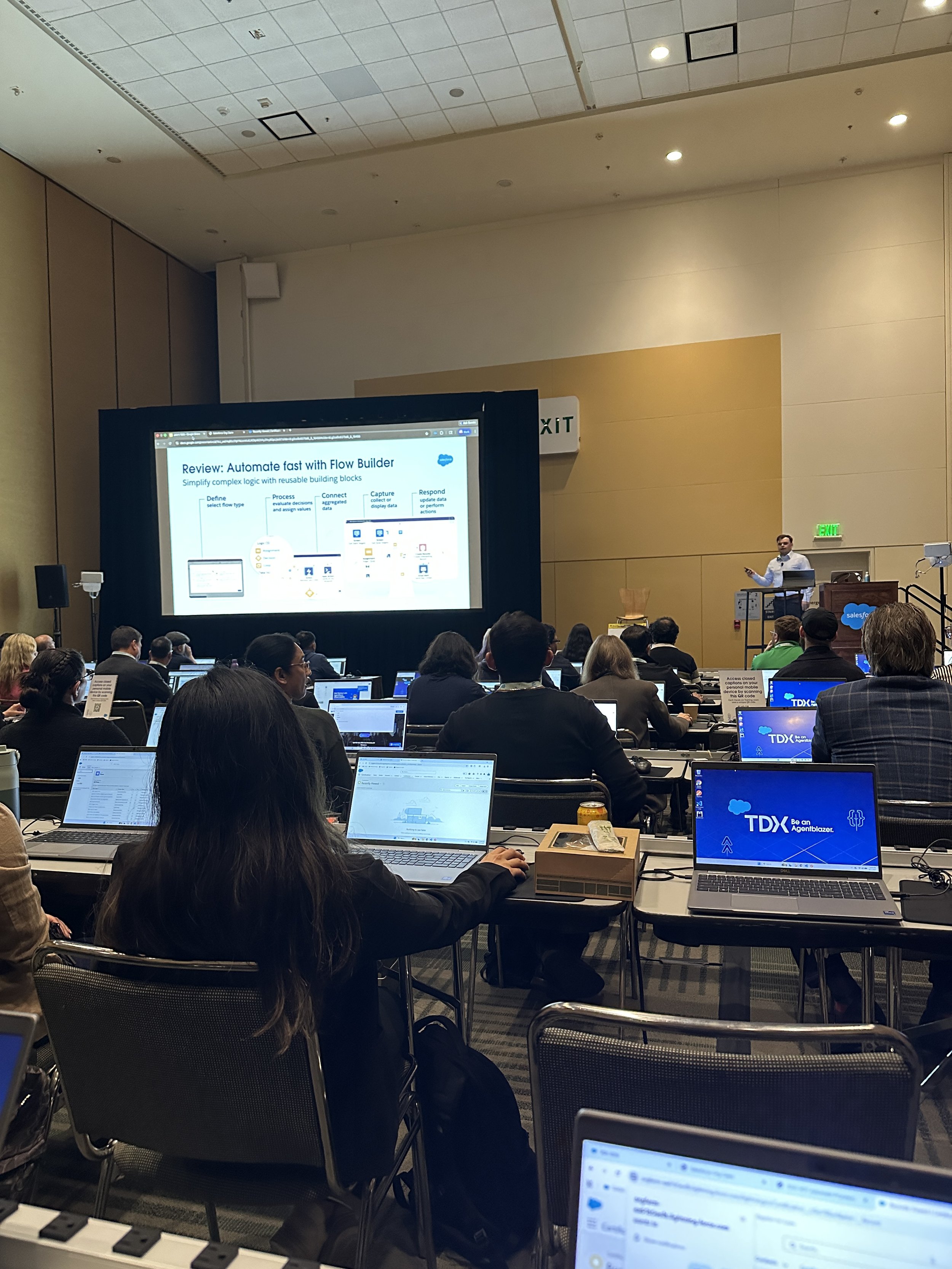
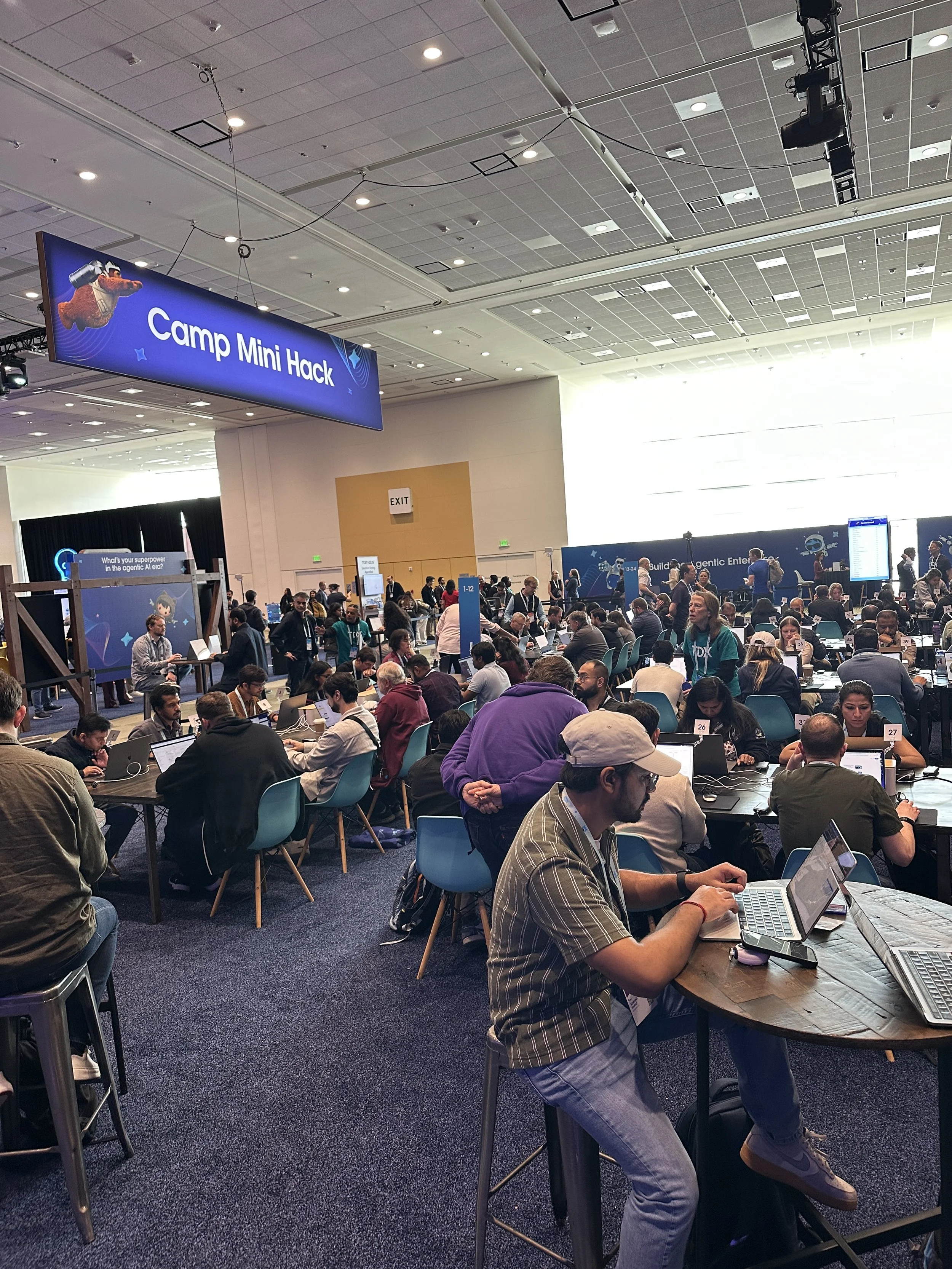
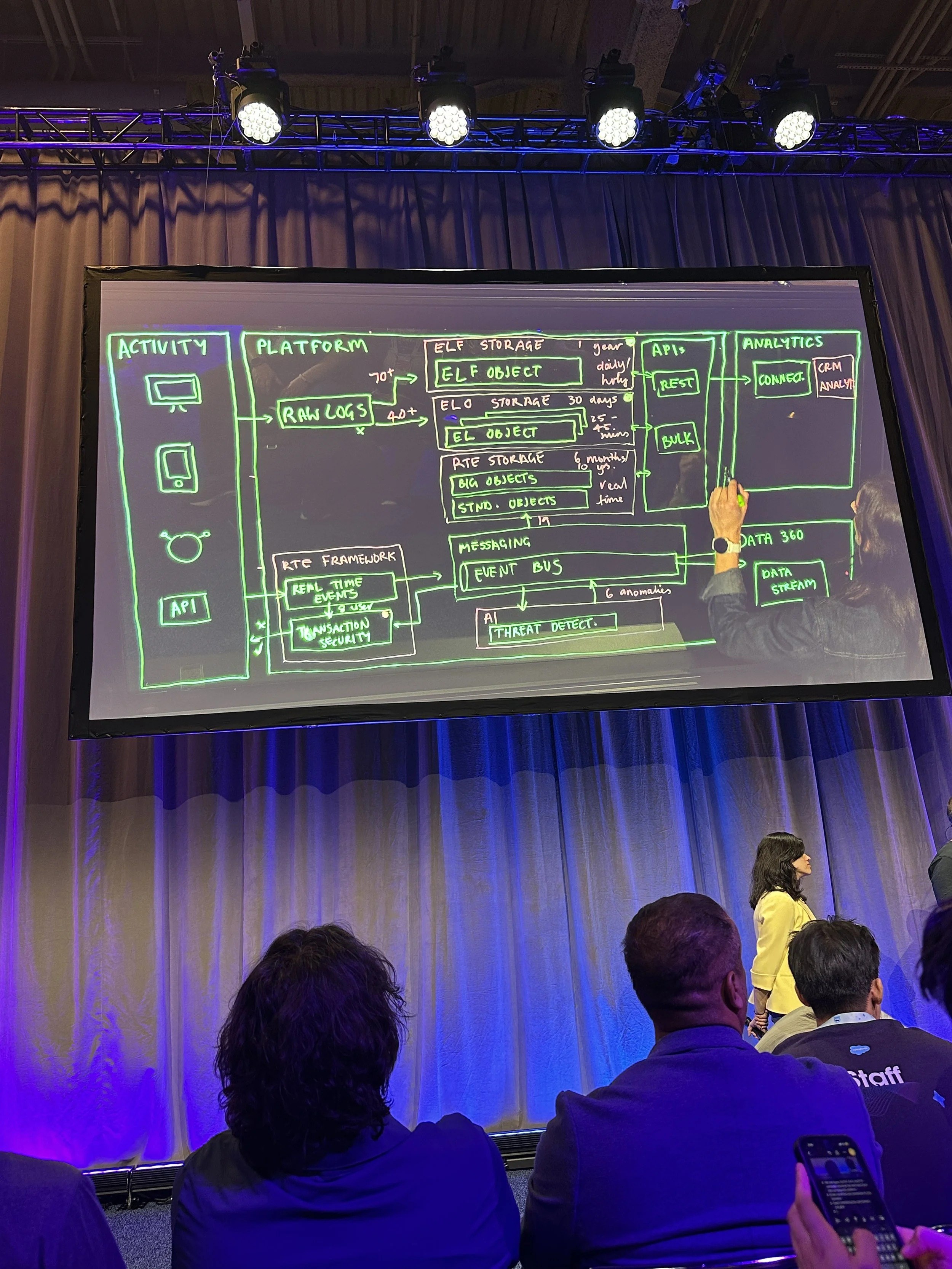




I attended my first Salesforce conference at TDX 2026, April 15-16 in San Francisco, and one thing stood out immediately: this wasn’t a watch-and-listen event, it was a build-and-learn experience.
From hands-on workshops to live development sessions, TDX is designed for developers, admins, and architects who want to actually use the latest Salesforce technology. And this year, nearly everything centered around one theme: AI is becoming part of how we build.
Here are my eight biggest takeaways from the TDX 2026:
1. AI Is Now Built Into the Backend, Not Just the User Experience
AI in Salesforce used to focus primarily on end users: chatbots, recommendations, and automation. Now, it’s moving deeper into the platform.
At TDX, it was clear that AI is actively helping:
Developers write and refine code
Administrators manage users and permissions
Teams troubleshoot issues inside their orgs
For example, AI can now:
Explain why a user can’t see a field or edit a record
Help create formulas and configurations
Identify areas where an org may not be running efficiently
This shift is changing how work gets done behind the scenes, not just what users see on the front end.
2. “Setup with Agentforce” Is Changing How Orgs Are Built
One of the most exciting developments is how Agentforce is being embedded directly into Salesforce setup.
With Setup powered by Agentforce, teams can:
Create users and permissions more quickly
Generate formulas and configurations through prompts
Get guided answers to admin questions in real time
Looking ahead, the direction is even bigger:
Creating objects and fields by simply describing them
Configuring environments through guided prompts
Potentially setting up fully customized orgs with a series of inputs
Instead of clicking through dozens of setup screens, admins are moving toward a more conversational, AI-assisted experience.
3. “Vibe Coding” Is a Game Changer for Developers
One of the most talked-about concepts at TDX was Agentforce Vibes, and it lives up to the name.
Using tools like Visual Studio Code, developers can now prompt AI to generate:
Permission sets
Objects and fields
Apex code and test classes
Even React applications connected to Salesforce data
The output can be packaged into XML and deployed into a sandbox for testing. Right now, most developers are using this in targeted ways, but the direction is clear. It’s a shift from manually writing everything to guiding AI to build alongside you.
4. “Headless 360” Signals a More Flexible, API-First Salesforce
Another important theme at TDX was the shift toward what’s being called Headless 360. At a high level, this means Salesforce capabilities are no longer tied only to the traditional UI. Instead, nearly everything is becoming accessible through:
APIs
CLI commands
MCP tools (Model Context Protocol)
This opens up a much more flexible way to build and extend Salesforce.
For developers, it means:
Integrating Salesforce more easily with external applications
Building custom front-end experiences powered by Salesforce data
Automating setup and development workflows outside of the standard interface
For organizations, it points to a bigger shift: Salesforce is evolving from a system you configure… to a platform you can program, extend, and orchestrate from anywhere.
5. Flow Updates on the Roadmap (Auto-Save!)
For admins and declarative builders, Flow updates were another highlight.
Key improvements on the roadmap include:
Audit trails within a version to track what changed
A redesigned Flow home page for easier navigation
Auto-save functionality (a long-awaited update)
One of the most interesting capabilities on the horizon:
Creating a flow by uploading a diagram (like a Lucidchart or Miro board)
Salesforce generating the flow based on that visual logic
This makes Flow faster to build and more accessible, especially for teams that think visually.
6. Data Cloud 360 Powers Everything Behind the Scenes
AI is only as effective as the data it uses and Data Cloud continues to be the foundation.
With Data Cloud 360 organizations can:
Bring together data from multiple systems
Build a more complete view of users and customers
Power more relevant AI-driven insights and automation
As AI expands across Salesforce, having a strong data strategy is becoming critical.
7. TDX Is the Best Place to Learn by Doing
One of the biggest takeaways from attending in person: the hands-on experience is unmatched.
At TDX, I was able to:
Build custom AI agents
Create a React app using Salesforce data
Experiment with new tools in a live environment
Even more interesting is that the developer community is still figuring out how to use AI day-to-day. Most aren’t relying on it constantly yet, but they’re actively exploring where it fits. That makes events like TDX incredibly valuable, not just for the technology, but for the shared learning.
8. Ohana Fun Beyond the Sessions
While TDX is known for its hands-on, technical focus, it also creates space for the developer community to connect outside of sessions.
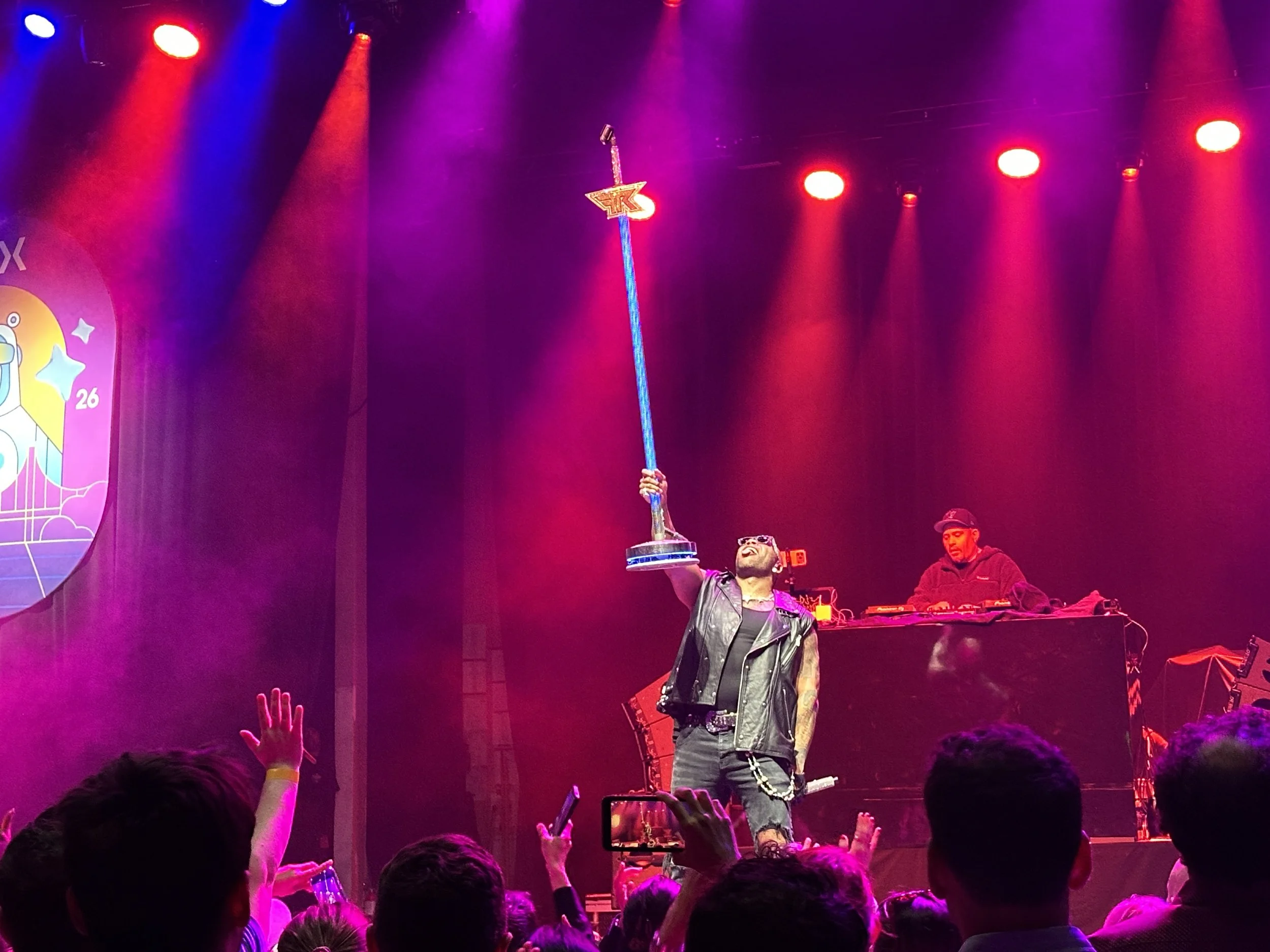
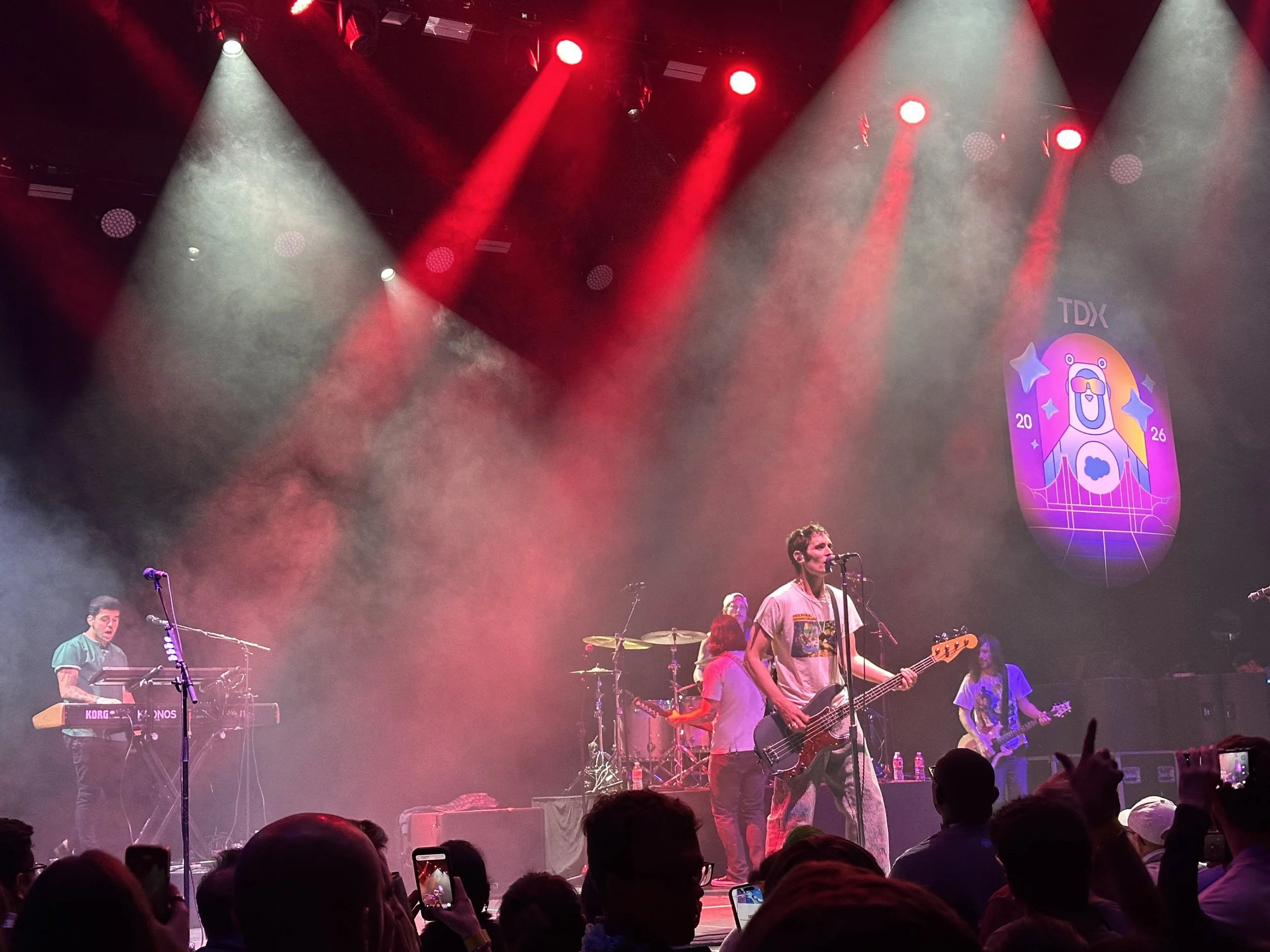
On the first night, attendees gathered for the TDX 2026 Celebration, a high-energy event designed as a “night of nonstop anthems.” The evening featured live performances from The All-American Rejects and Flo Rida at The Masonic, bringing together hundreds of developers for a night that felt more like a concert than a conference event. It was truly a night to remember!
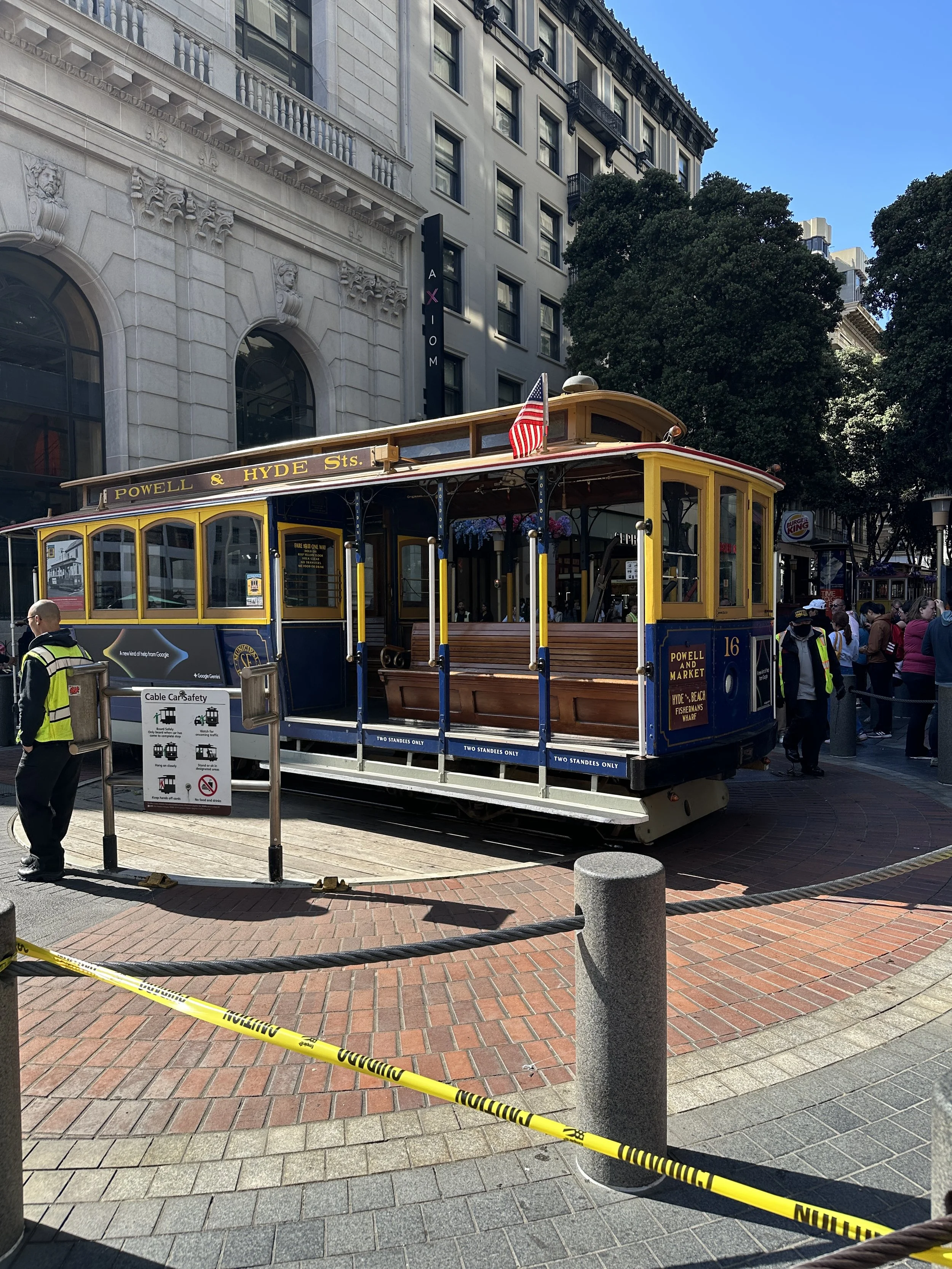
There was a little time to explore, too. Taking the trolley down to Fisherman’s Wharf was the perfect way to wrap up a packed, hands-on week.
Final Thoughts: From Clicking to Prompting
TDX 2026 highlighted a major shift: We’re moving from clicking through setup screens… to prompting AI, calling APIs, and building Salesforce from anywhere.
For developers and admins, that means:
Less time spent on repetitive setup
More focus on architecture and strategy
A new set of skills centered around working with AI
And this is just the beginning. It’s an exciting time to be a Salesforce consultant!
Want Help Navigating What This Means for Your Org?
AI, Agentforce, and Data Cloud are major shifts and we know it can be challenging to determine what applies directly to your specific Salesforce environment.
If your organization is ready to translate these TDX highlights into real business impact, you can start with a free Salesforce Tech Assessment from Canvas Cloud to discover your best path forward.
About the Author
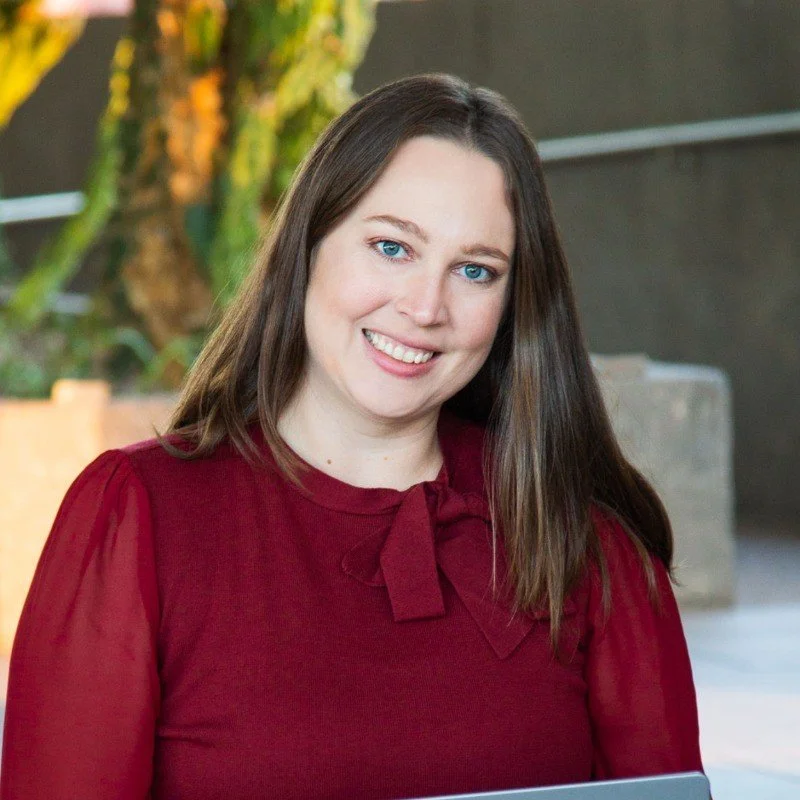
Christina Lytle is a Salesforce Consultant at Canvas Cloud helping nonprofits and small businesses simplify operations, improve reporting, and get real value from their CRM. Her background in theatre administration shapes a collaborative, detail-driven approach to every engagement. Connect with Christina on LinkedIn.